UPDATE – Version 2.1.1
Vocalise 2.1: sharing and co-writing
2.1.1 – 2026-11-18
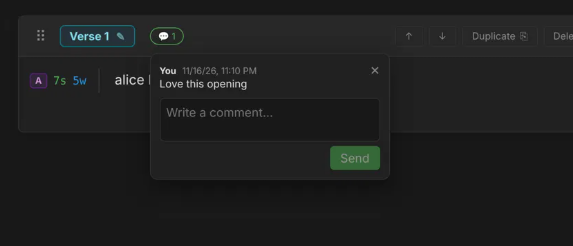
Comment thread closes when you click or tap outside it, or press Escape.
2.1.0 – 2026-11-18 (sharing and co-writing)
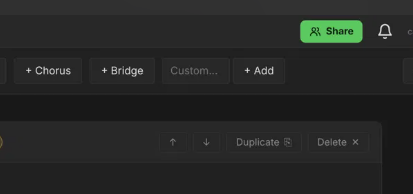
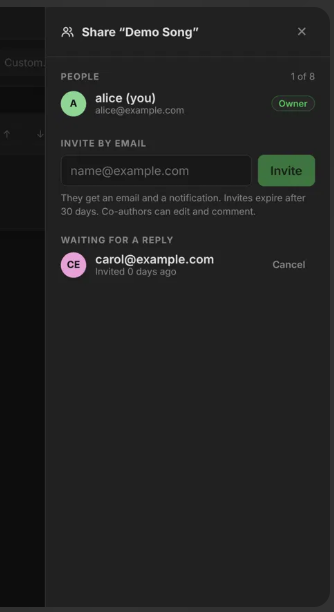
- Share button and panel: invite people by email (up to 8 per song), see who is on a song, cancel waiting invites.
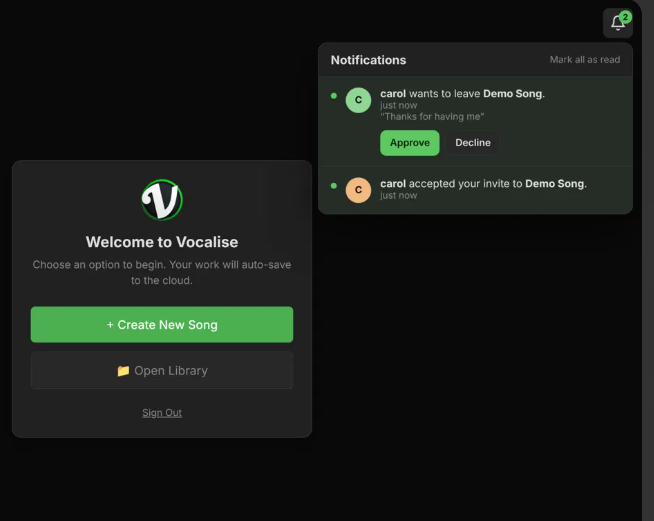
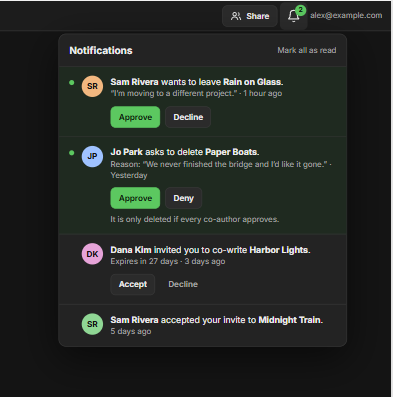
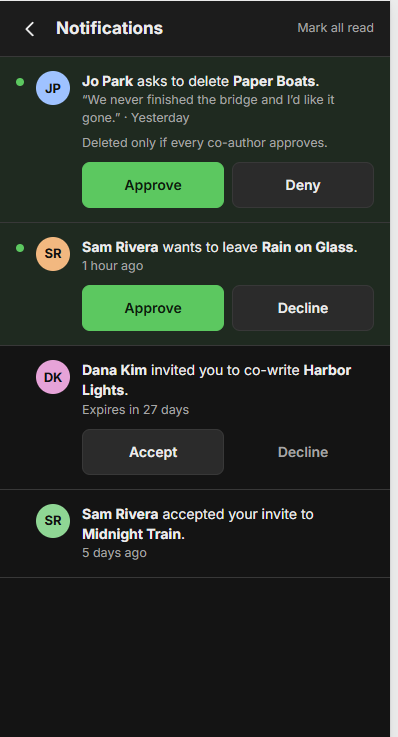
- Notification bell with Accept / Decline for invites, and “accepted” notices.
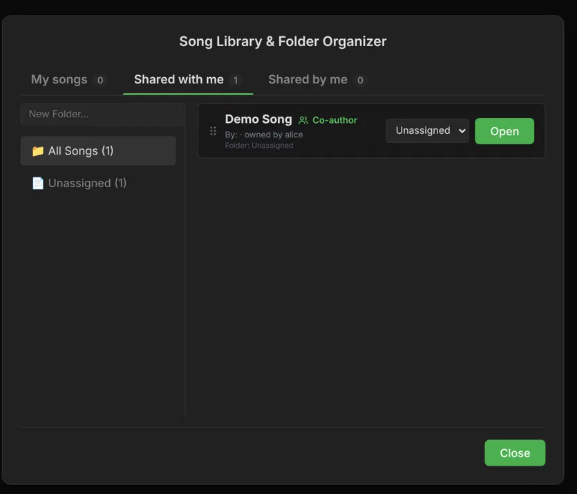
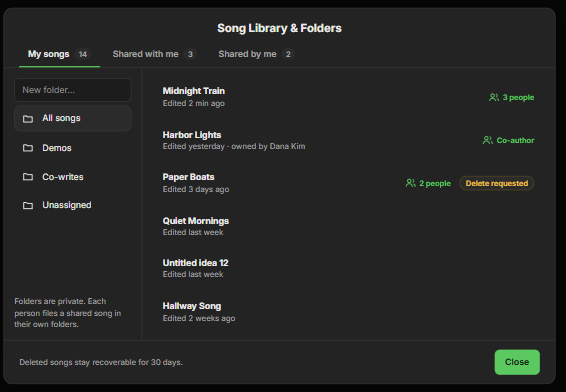
- Library tabs: My songs, Shared with me, Shared by me, and a shared icon on songs.
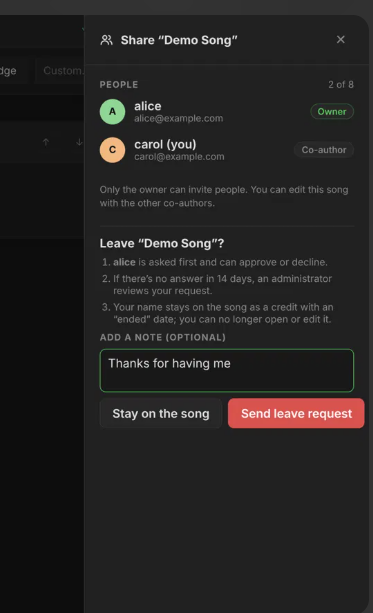
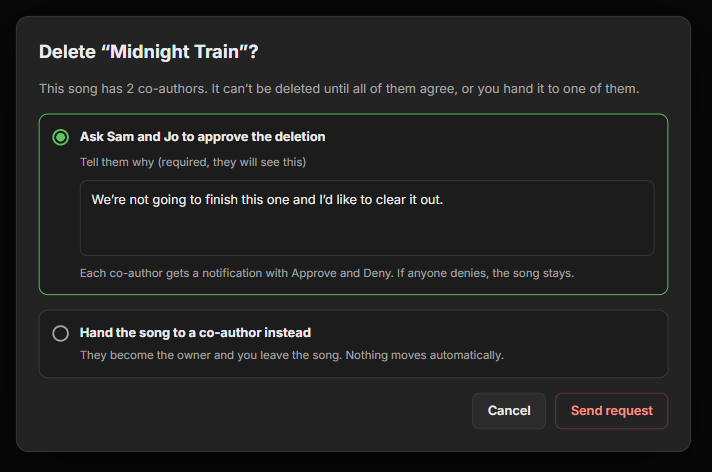
- Leave a shared song (owner answers first, an admin after 14 days), delete a shared song only with every co-author’s approval, hand a song to a co-author.
- Signed shared-songs file (full lyrics, fingerprints, Ed25519 signature); the server keeps a copy for 10 years. Needs a signing key in the server config and
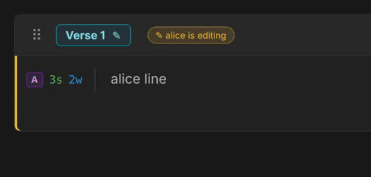
005_signed_exports.sql. - Section-live co-editing: per-section locks with the editor’s name, ~2 second refresh, per-section saves with conflict checks. A stale copy can no longer overwrite a co-author’s lyrics (shared songs only change through the section save).
- Section comments on shared songs, with a notification for co-authors.
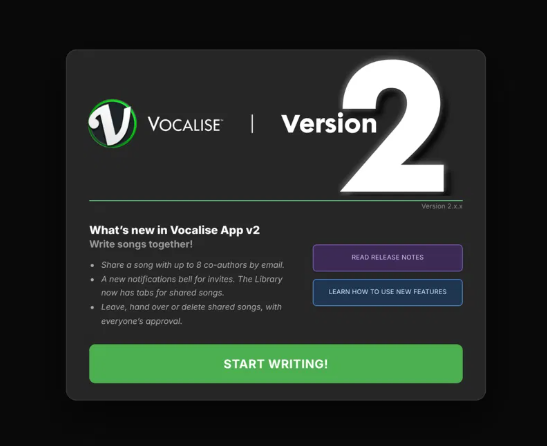
- “What’s New” splash on the start screen once per release, Help > What’s New, and new Guide pages (Account & Your Data, Sharing & Co-writing, What’s New). The build now fails if a release has no What’s New entry or Guide page.
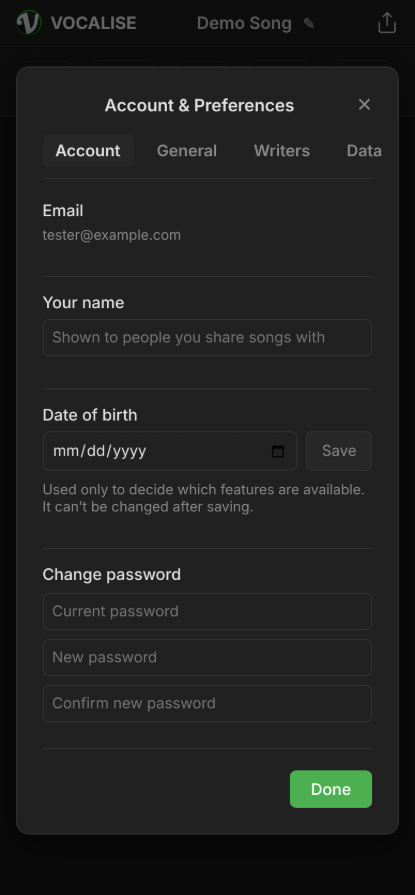
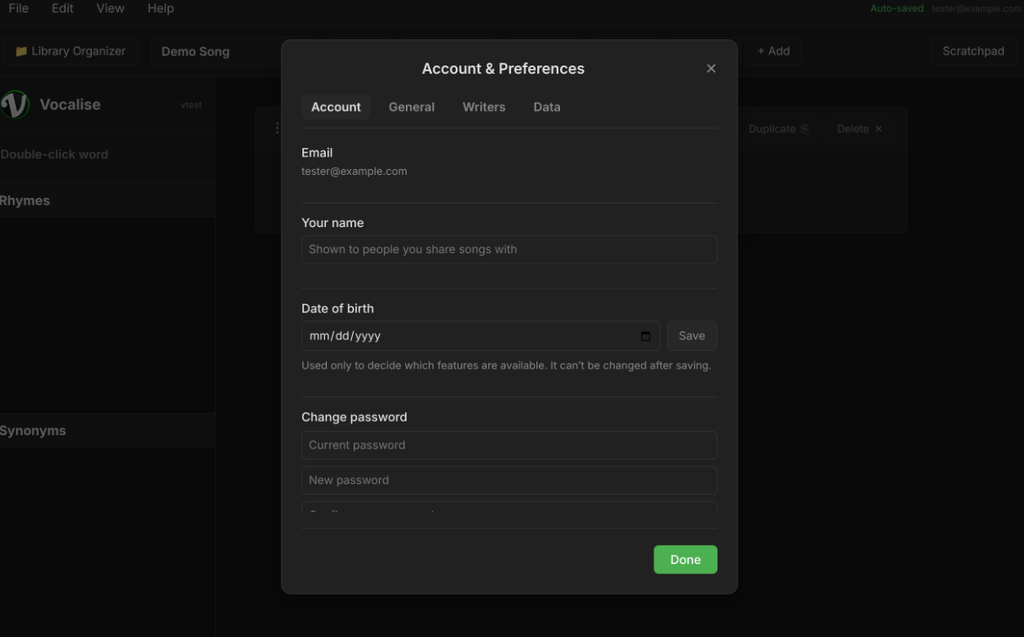
- Sharing only for adults (date of birth asked once) or accounts an admin switched on.
- Notification bell: unread count matches the list, finished invites disappear, read notices fold under “Earlier”, Dismiss and Clear all, and a comment notice opens the song, section and thread.
- Accepting an invite asks for your date of birth right in the notice if needed, then opens your Library on “Shared with me”.
Phone portrait polish: section header buttons stay on the page, full-width section cards, the Guide menu becomes a slim strip with a Close button (also works in the iOS home-screen app), Preferences writer fields fit, and the Light theme top bar is readable. - The start screen shows the live version number.
Server note: the database column names are read without caring about upper or lower case (a live table spellsSTATUSin capitals).